
Ticketmaster troubleshooting
How to fix "Your Browsing Activity Has Been Paused"
This is a block applied by Ticketmaster's anti-bot systems. It is not caused or applied by TicketRobin, and TicketRobin cannot remove it from your account or connection.
Why it happens
Ticketmaster says this message can appear when it detects unusual activity, including repeated page refreshes or clicks in a short period. Shared networks, VPNs, privacy tools, several open tabs, or browser extensions can also make normal fan activity look automated.
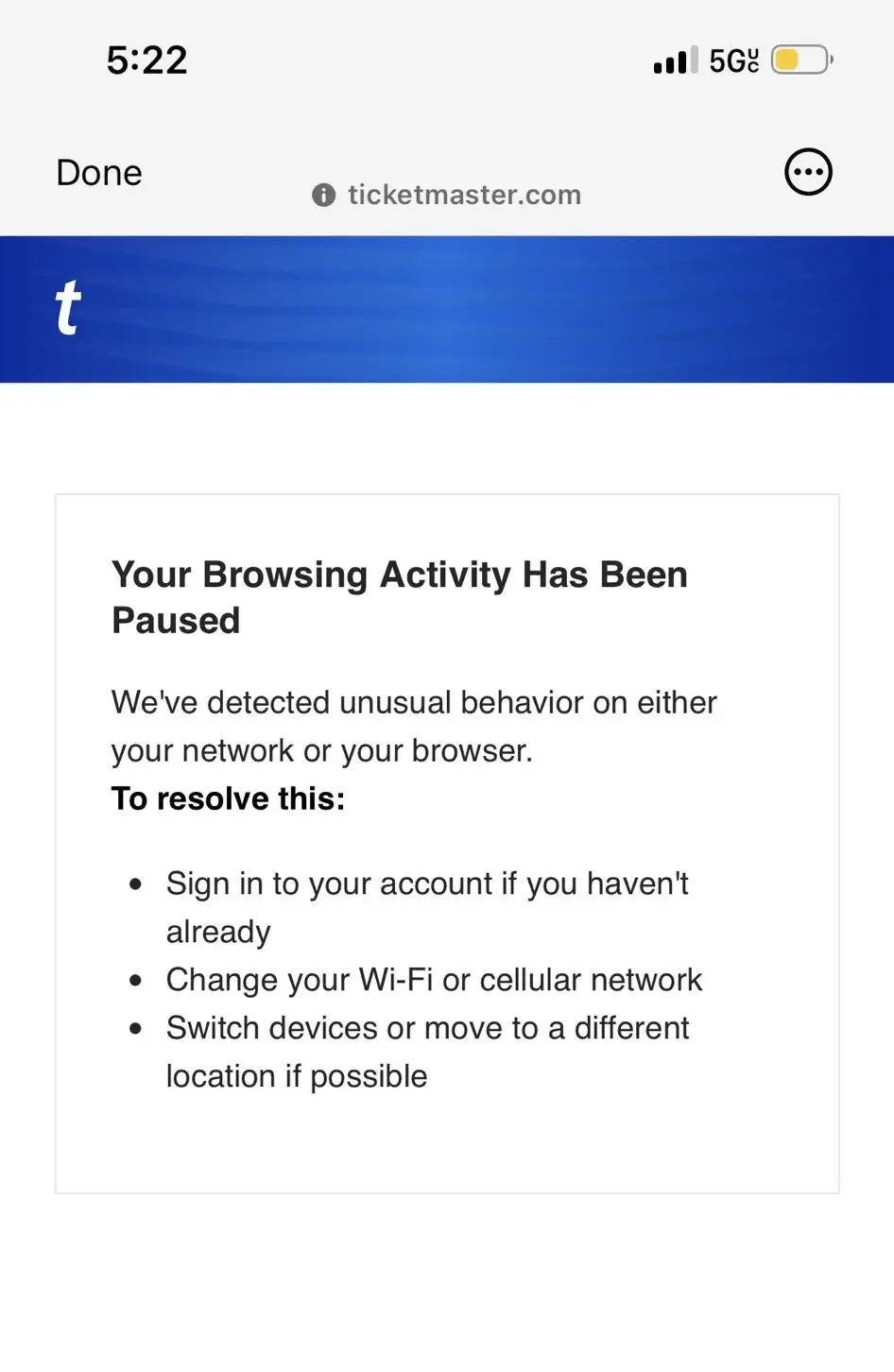
Try these steps in order
- 1
Clear Ticketmaster cookies and site data
Clear the cookies or saved site data for Ticketmaster, close the browser, reopen it, and sign back into your Ticketmaster account. You do not need to clear every website's data if your browser lets you remove data for Ticketmaster only.
- 2
Change your IP address by changing networks
Turn off Wi-Fi and use your phone's 4G or 5G mobile data, or move to another trusted private network. This gives you a different public IP address and often clears a network-level pause.
- 3
Turn off VPNs and privacy relays
Disable any VPN, proxy, Apple Private Relay, automated tool, or browser extension that changes or repeatedly accesses the page, then try once more.
- 4
Try a different device
If the message remains, try another phone, tablet, or computer on the new network. Keep to one Ticketmaster tab when you sign in again.
What if the block does not clear?
Most pauses are temporary. In rare cases, though, we have personally seen them last for 2-3 days even after changing networks and devices.
If you are still blocked, contact Ticketmaster Support and ask them to review and unblock your account. Tell them the exact message you see, when it started, which device and network you used, and which troubleshooting steps you have already tried. We have seen Ticketmaster Support restore account access this way.
Ticketmaster support routes can differ by country. If the form does not cover your account, open the Help or Contact Us page on the regional Ticketmaster site where you are buying.
We know how frustrating this is
We have run into this block ourselves many times. It is meant to stop bots and give real fans a fair chance, but when it catches genuine buyers it achieves the opposite - especially when a ticket has just appeared and every second matters. That frustration is one reason TicketRobin monitors availability for you, so you do not have to sit on Ticketmaster refreshing the same page.