
Get Official NFL Ticketmaster Alerts
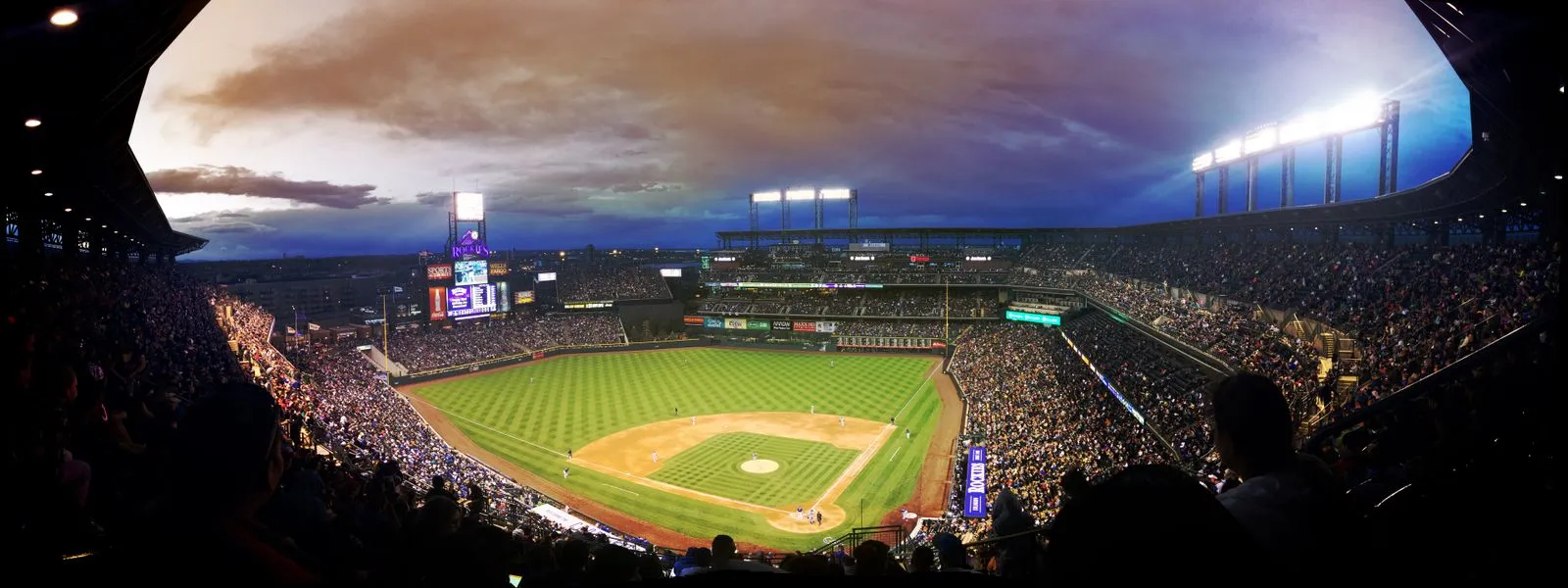
Want NFL tickets without repeatedly refreshing Ticketmaster? Choose the game you want, tell TicketRobin your ticket preferences, and get an alert when a check finds matching availability on a supported Ticketmaster listing.
Whether you are hoping to see the Green Bay Packers at Lambeau Field or following your team on the road, start with the exact matchup and venue. Your alert links back to Ticketmaster, where you review the tickets and buy them yourself.
Find your NFL game and set up an alert ->
What are official NFL Ticketmaster alerts?
Ticketmaster is the NFL’s Official Ticket Marketplace. Its NFL pages include tickets from the primary allocation and resale tickets offered through its marketplace, depending on the game.
TicketRobin watches supported Ticketmaster event pages for tickets that match your settings. The word “official” describes the ticketing destination. TicketRobin is an independent monitoring service and is not affiliated with or endorsed by the NFL, its teams or Ticketmaster.
You can use an alert when your preferred game has no suitable tickets, when you are waiting for seats within your budget, or when you want to include supported official resale. An event can still have resale tickets available when its original ticket allocation is unavailable, so check the actual game page and the ticket options shown in the app.
How to get NFL ticket alerts
- Search for your NFL game. The link starts with a Green Bay Packers search. Change it to the team you want to see. Check the opponent, date, stadium and country before selecting the listing.
- Continue in TicketRobin and choose your preferences. Set the ticket quantity, maximum price and any supported seating options. If you want resale tickets included, check the resale setting for that listing.
- Choose your tracker and notification options. Every account includes one free Basic tracker, with no card needed to start. Complete setup and check that your tracker is active.
- Open the alert when a check finds a match. Review the current seats, price, fees and purchase terms on Ticketmaster, then complete checkout if the tickets suit you.
If your game is missing from search, use the custom tracker option in the app with the direct Ticketmaster event URL. Copy the page for the actual game, rather than a team homepage, parking product or season-ticket information page. If setup still fails, contact support with that URL so we can investigate the exact listing.
Each tracker watches its selected event. If several home games or away trips work for you, add separate trackers within your account limits.
Choose the checking speed that suits your plans
| Tracker | Checks and notifications |
|---|---|
| Basic | Hourly checks and email alerts. One free Basic tracker is included with every account. |
| Fast | Checks every five minutes, with email alerts and WhatsApp available as an optional add-on. |
| Instant | The fastest option, with email and WhatsApp included. Availability depends on the listing. |
See the current tracker options and pricing before choosing. Faster checking can help you hear about matching availability sooner, but an alert does not reserve seats or guarantee that you will get tickets.
Primary tickets, resale and your budget
For a supported NFL listing, check which ticket types your tracker includes. Primary tickets and resale tickets can have different prices, and a resale ticket is not necessarily a face-value ticket.
Use a budget you would be comfortable paying, and review how the app describes its price filter. Before buying, check the live per-ticket price, the number of tickets you must purchase and the final checkout total. Confirm the section, row and seating arrangement on Ticketmaster rather than assuming that any result will meet every preference.
Tickets may be bought by another fan between a check and your visit. TicketRobin sends alerts; you remain responsible for reviewing the offer and completing the purchase.
Check the game details before making travel plans
Game times can change under the NFL’s flexible scheduling rules. Recheck the official schedule before booking travel.
An NFL team search can also show away fixtures, international games and related products. Confirm that you have selected admission for the right matchup at the stadium you intend to visit. Parking, hospitality and season packages need their own checks and should not be assumed to include the game ticket you want.
For accessible seating or other specific requirements, follow the team’s and Ticketmaster’s official booking guidance. A general availability alert does not confirm that a particular accessible ticket type is available.
Let TicketRobin watch your next NFL game
Pick your matchup, choose the ticket options that work for you, and leave the repeated checking to your Robin. When an alert arrives, follow it to Ticketmaster and decide whether to buy.
Get NFL Ticketmaster alerts ->
Sources and official updates
- Ticketmaster NFL tickets and team directory - official marketplace, team pages and current ticket information.
- Ticketmaster: Everything you need to know for buying NFL tickets - primary tickets, the NFL Ticket Exchange and verified resale.
- NFL flexible scheduling procedures - check the current rules before making plans around a listed game time.
- TicketRobin Ticketmaster alerts and pricing - supported listing options, notification channels and tracker speeds.